How to print color by number pages
Download the PDF for your paper size, print it at actual size, and you get two pages: the numbered sheet with its color key, and the colored answer sheet.
1. Pick your paper size
Every picture has two PDFs. Choose US Letter (8.5 × 11 in, the usual size in the US and Canada) or A4 (210 × 297 mm, most other countries). Both have the same picture; only the margins change.
⬇ Sample PDF: Chubby Cat on a Cushion (Letter) ⬇ Same in A4
2. Print at actual size
In the print window, choose Actual size or Scale 100%. The pages already have a half-inch margin, so nothing is cut off. "Fit to page" also works, but it can shrink the numbers a little.
Print page 1 only if you do not want the answer yet. Black and white is fine for page 1; page 2 needs a color printer to be useful.
3. Read the color key
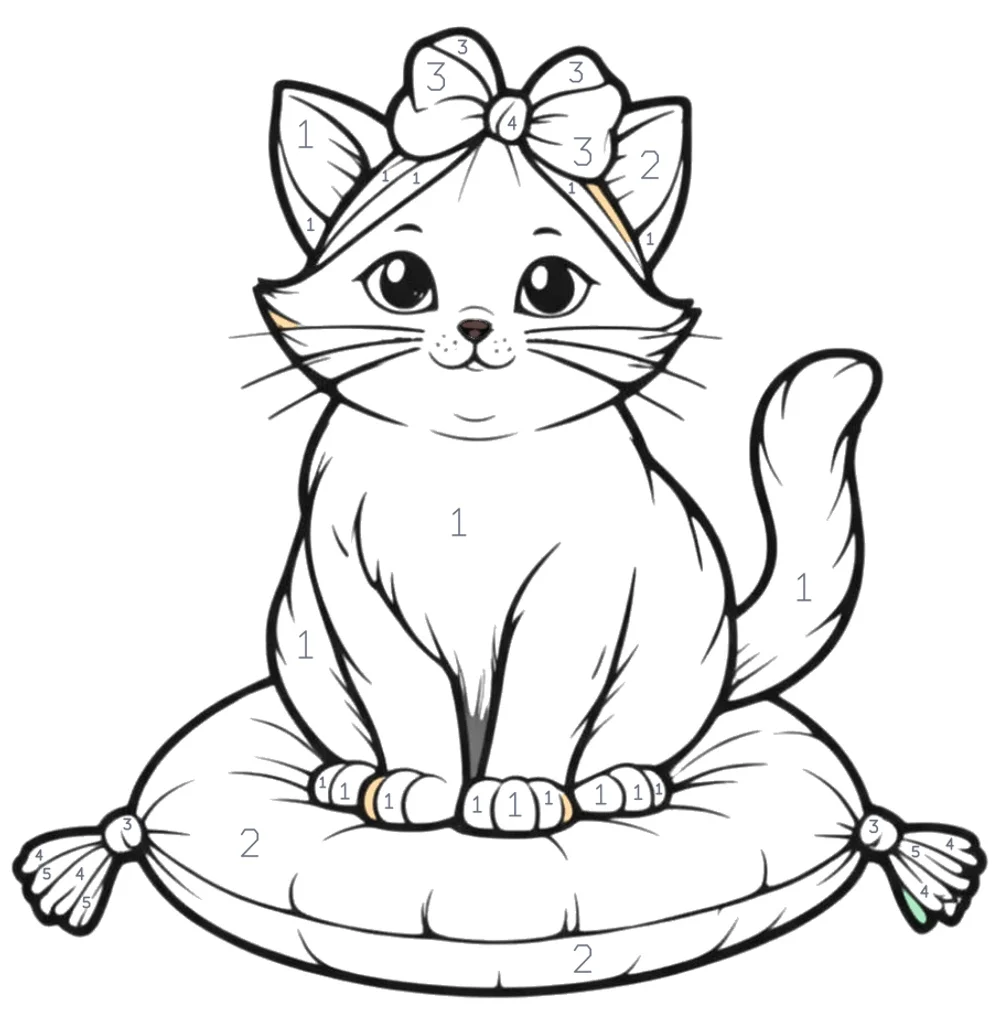

Under the picture, each circle shows a number, its color and the color's name. Match your pencils or markers to the circles before you start; lay them out in number order.
Some very small areas are already filled in on the sheet: they are too small to hold a readable number.
4. Small numbers on detailed pages
Detailed pages have many small areas. Our most detailed page, Sunburst Mandala, has 372 numbered areas, so some numbers print small. Use a sharp colored pencil, and keep the answer sheet next to you to check tiny areas. You can also color that page online and zoom in.
Printing problems
- Picture is cut off: set scale to 100% or Fit to page, and check the paper size matches the PDF.
- Colors on the answer look different from your pencils: printers vary; the color name in the key is the guide.
- A number is missing or wrong: please tell us which page.